


Class 100 Laboratory
How We Can Help
Data recovery on SSDs requires completely different technology than that used on HDDs. We use advanced tools for direct access to NAND memory chips in cases of controller burnout or firmware lock (such as the famous 'SATAFIRM S11'). We act in cases of formatting, accidental deletion, electrical failures, and encryption errors.
Common Symptoms
- SSD not recognized in BIOS/System
- Wrong capacity shown (ex: 0GB or few KB)
- Computer freezes when accessing files
- Frequent Blue Screen Errors (BSOD)
- S.M.A.R.T. error messages
- SSD became slow suddenly
- Device in 'Read Only' mode
- Damage from drop or short circuit
How It Works
Understand the recovery flow in four steps, from free diagnosis to data delivery.
1. Free Diagnosis
Bring your media for a no-cost evaluation in our lab.
2. Technical Analysis
We identify the exact failure and send the quote and list of recoverable files.
3. Secure Recovery
After approval, we start the process in a controlled environment (Clean Room).
4. Data Delivery
Your files are recorded on new media or made available via secure cloud.
Brands and Technologies
Understand SSD Recovery
How does the recovery of a burnt SSD work?
In burnt SSDs or those with controller failure, we use the 'Chip-Off' technique. We remove the NAND memory chips and read their raw content with special readers. Then, we use advanced software to reconstruct the data logic and recover your files.
Is it harder to recover SSD than HDD?
Generally yes, due to the complexity of wear-leveling algorithms and hardware encryption of modern SSDs. However, our specialized technology allows us to recover data in most cases of electronic or logical failure.
Does the TRIM command prevent data recovery?
The TRIM command makes it difficult to recover deleted or formatted files on SSDs, as it clears data blocks quickly. However, in cases of electronic or firmware failure, TRIM does not act, making recovery viable.
Why HD Doctor?
- Support for NVMe, M.2, SATA and PCIe
- Chip-Off Recovery (Direct NAND)
- Translator/Firmware Reconstruction
- Compatible with MacBooks (Soldered)
- Absolute data confidentiality
- Free Diagnosis in 24h
Meet our CEO,
Samir Mattar
HD Doctor is managed by Samir Mattar, CEO and Investing Partner, responsible for the substantial growth of the brand.
Samir comes from a traditional family of entrepreneurs operating in the national and international scenario. The most notable business is a car rental company, which today is publicly traded and has a valuation of $11 billion.
His professional journey began at age 14 when he actively participated in the administration of HD Doctor.
Samir is responsible for the massive growth of several technology companies that today have hegemony in their segments. In addition, he opened the largest data recovery laboratory in Latin America, located in São Paulo - SP, invested in cutting-edge technology, and brought 72% growth in the company's results last year.
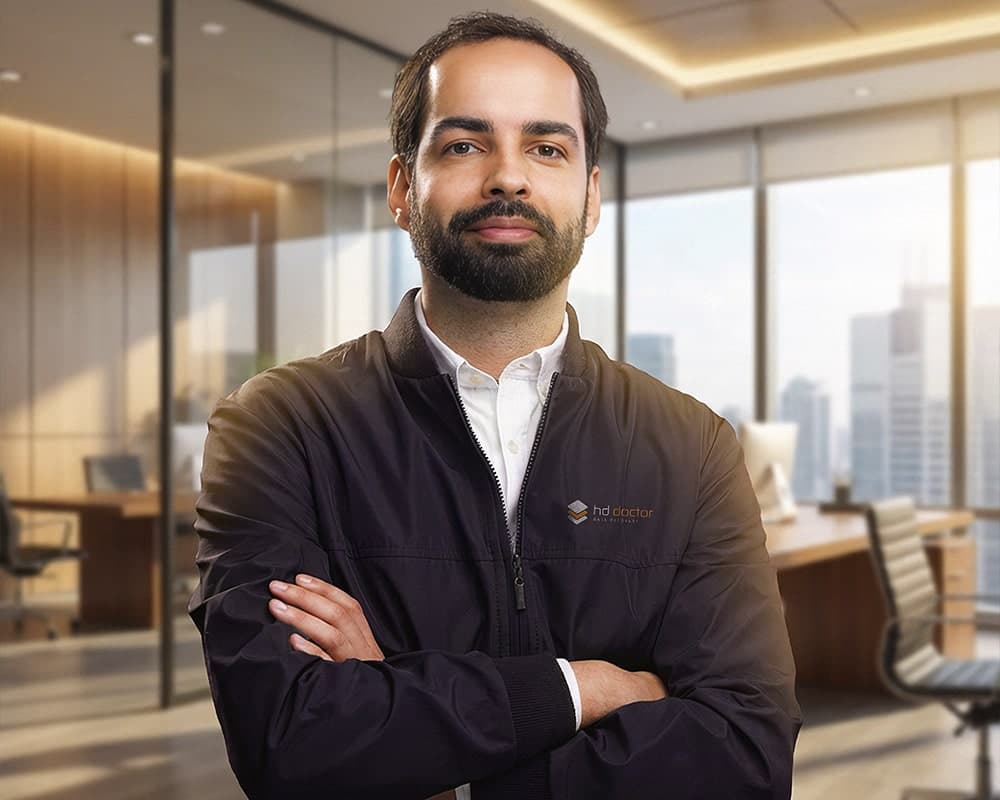
Samir Mattar
CEO & Investing Partner